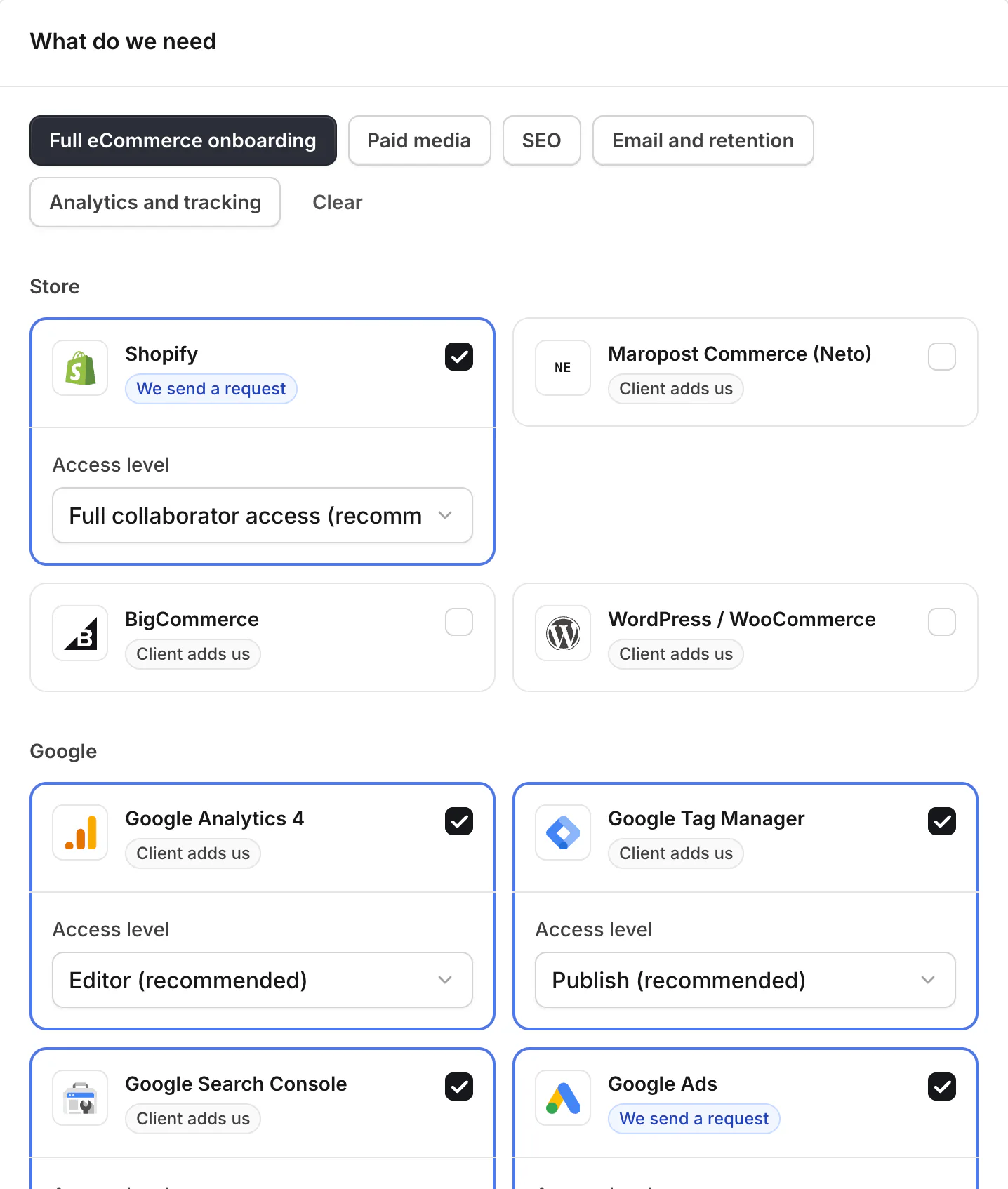
You choose what to ask for. Tick the platforms and the level of access for each, or start from one of five templates. You get one private link.
How it works


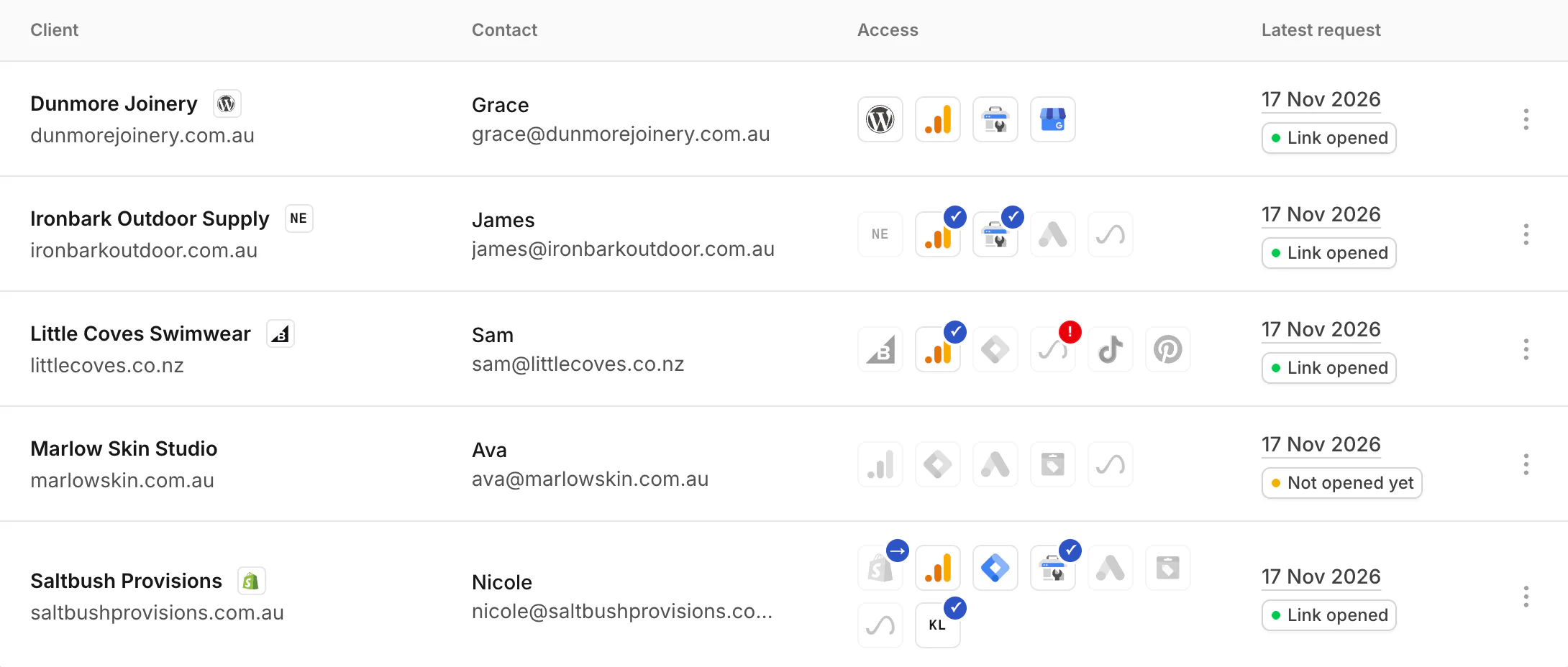
The screens show Outsmart, a real customer. Its client here, Saltbush Provisions, is an example.
If they’re not the right person, the page lets them send it to whoever is. If they get stuck, they can ask your team from the same row.
Store
Who can do it: the store owner, or staff with the Administrator role. Access asked for by default: Full collaborator access (or Limited collaborator access).
SettingsUsersSecurity
Who can do it: the account owner, or someone who can speak for the business. Access asked for by default: Full access.
Who can do it: the store owner, or a user who can add users. Access asked for by default: All permissions.
SettingsUsers
Who can do it: a WordPress administrator. Access asked for by default: Administrator (or Editor, Shop manager).
UsersAdd New User
Who can do it: an Administrator on the Analytics account. Access asked for by default: Editor (or Administrator, Analyst, Viewer).
Admin (the cog, bottom left)Account access management
Who can do it: an Admin on the Tag Manager account. Access asked for by default: Publish (or Approve, Edit, Read).
AdminUser Management (under Account)
Who can do it: a verified owner of the Search Console property. Access asked for by default: Full (or Restricted).
Your site (property menu, top left)SettingsUsers and permissions
Who can do it: an Admin on the Google Ads account. Access asked for by default: Manager account link (or Admin user invite (one visit)).
Who can do it: an Admin on the Merchant Center account. Access asked for by default: Admin (or Standard).
Settings (left menu)Access and servicesPeople and access
Who can do it: an owner of the Business Profile. Access asked for by default: Manager (or Owner).
Your profileThree-dot menuBusiness Profile settingsPeople and access
Who can do it: the channel owner. Access asked for by default: Manager (or Editor, Viewer).
Settings (bottom left)Permissions
Meta
Who can do it: someone with full control of your Meta business portfolio. Access asked for by default: Full control (or Partial access).
SettingsUsersPartners
Who can do it: the account owner or an Admin. Access asked for by default: Admin (or Manager, Analyst).
Your account name (bottom left)SettingsUsers
Who can do it: the account owner or an Admin. Access asked for by default: Manager (or Admin).
Profile iconAccount & billingSettingsUsers
More ad platforms
Who can do it: an admin of your TikTok Business Center. Access asked for by default: Operator (or Admin, Analyst).
Business CenterPartners (left menu)
Who can do it: a Super Admin on the Microsoft Advertising account. Access asked for by default: Standard user (or Super Admin).
Settings (the cog, top right)Account accessUser management
Who can do it: an admin of your Pinterest business account. Access asked for by default: Admin (or Campaign manager).
Business ManagerPartners
By invitation while billing and public sign-up are finished.